
How to Create an Anki Deck
Easy Quick Guide on How to Create Anki Deck
Read time: 2 minutes
Step 1:
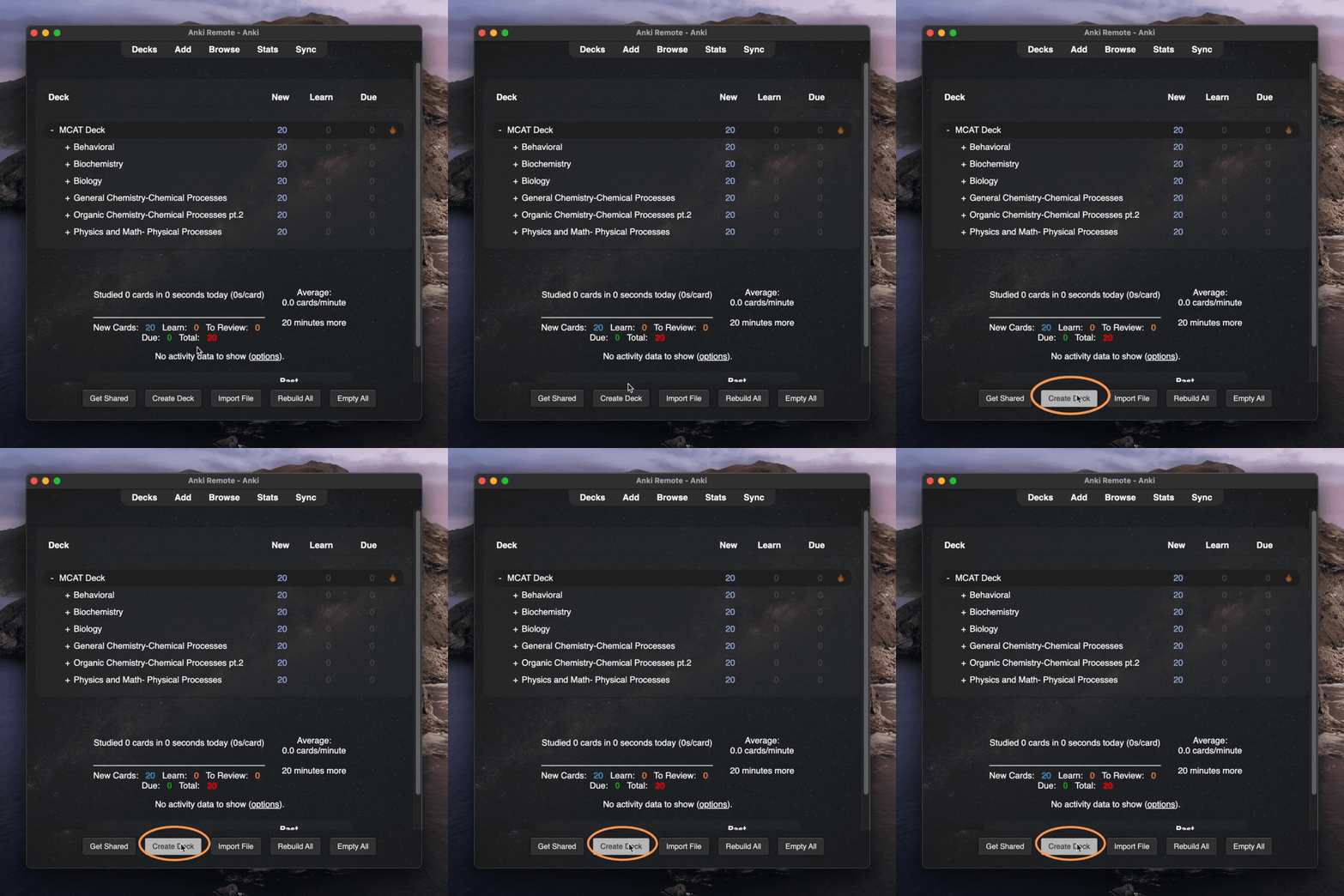
On the Anki homepage, you'll see a "Create Deck" option. Click it.
Step 2:
A window will prompt you to name your deck. Just put your preferred name in there and click 'OK'. Easy as that!

Step 3:
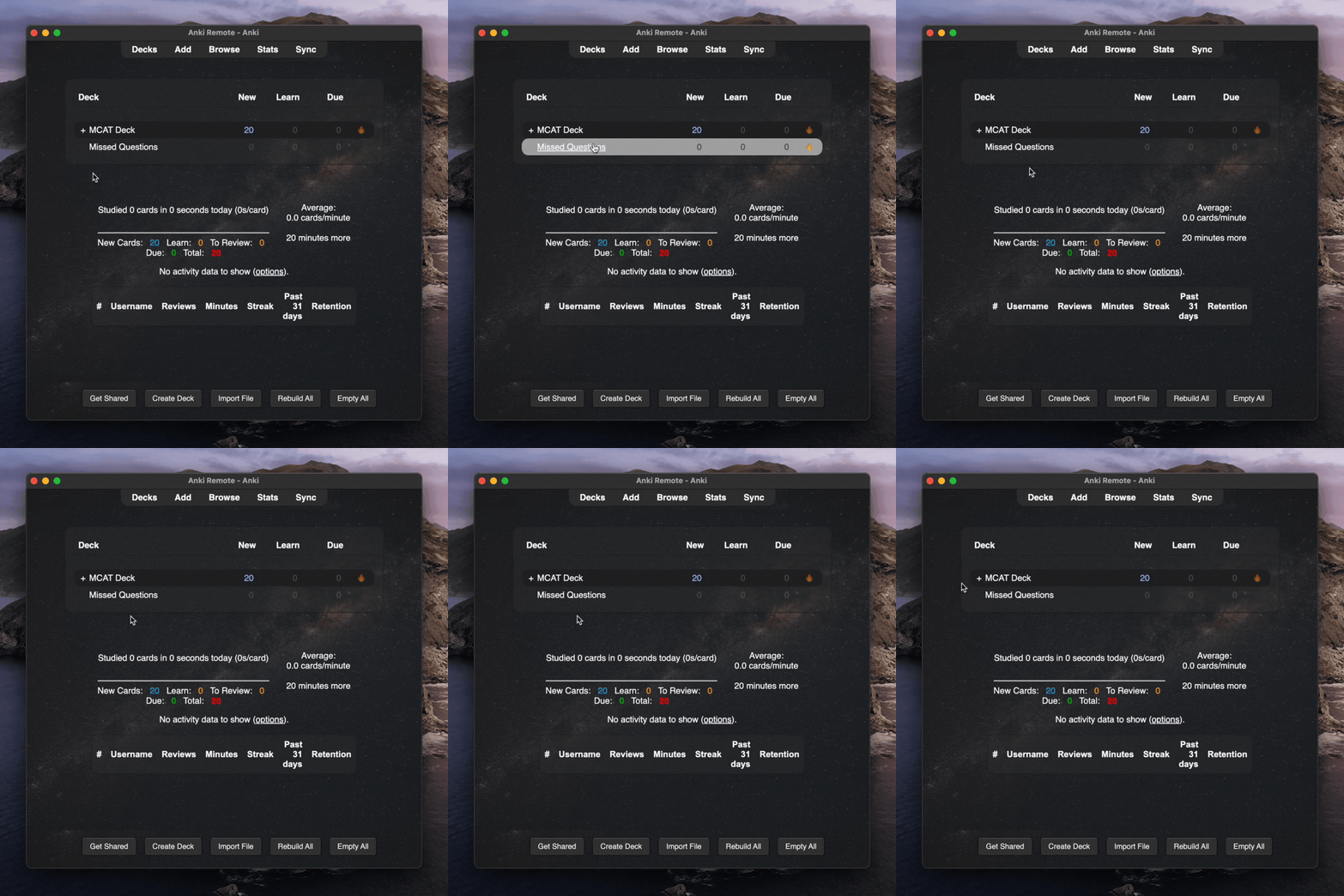
Go back to the Anki homepage, and you'll see that you have successfully added the deck you created.
Optional:
Your Anki deck has Anki cards. Your Anki cards can often be a pain to do. Do you really want to be hunching over your computer for hours?
With the Anki Remote doing Anki feels a lot more like Netflix than UWorld.
Lean back. A cold beverage in one hand, and your Anki Remote in the other.
I love my anki remote, it makes my morning studying hours so easy and effective and I get studying done hours earlier than without it! I take it with me wherever I go and it's made my medical journey a lot easier :) Zayan Musa ⭐️⭐️⭐️⭐️⭐️